 Cal.com integration
Book Cal.com meetings without leaving Slack
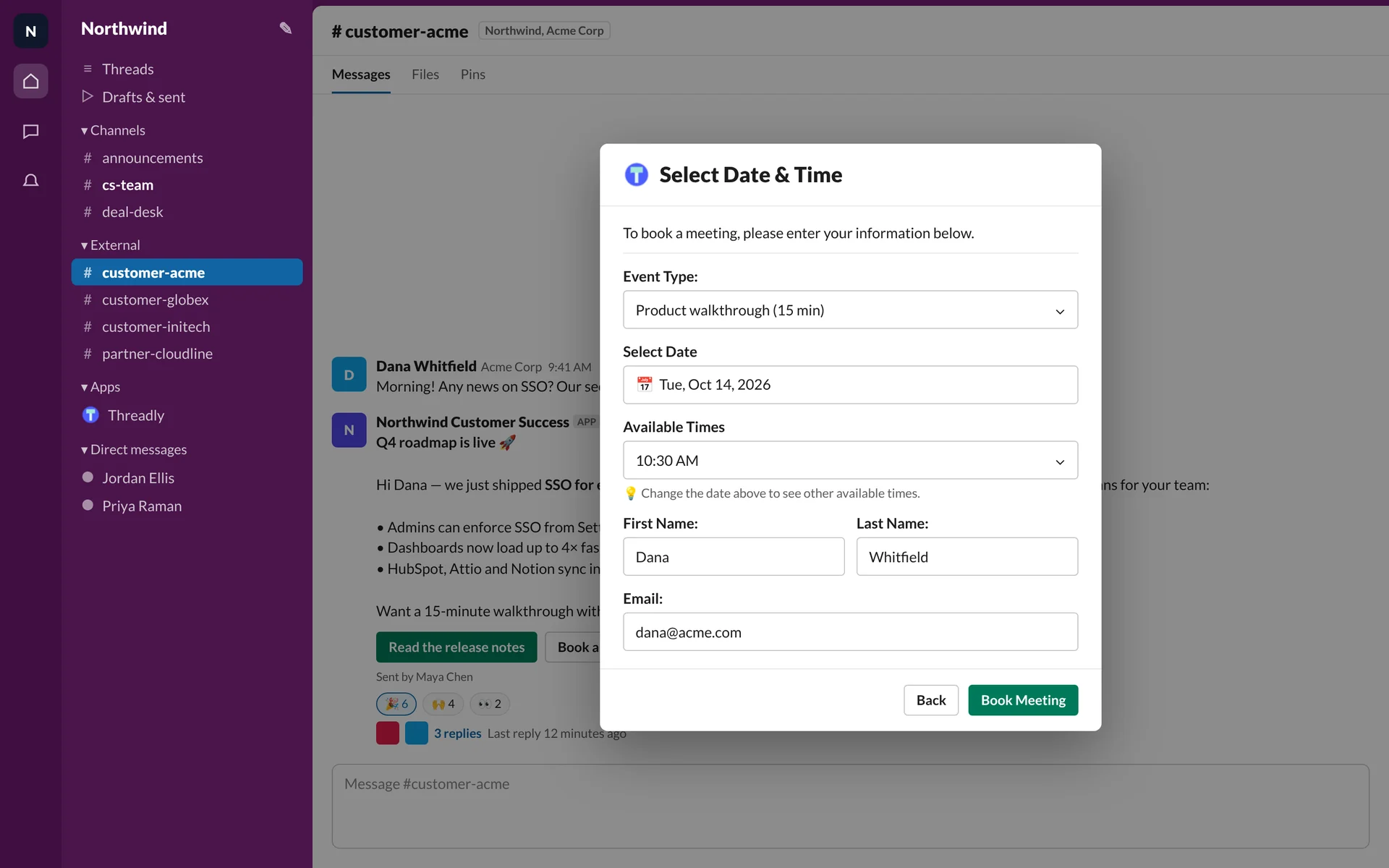
Booking links get lost in a thread. Add a Cal.com button to your message and people pick a time right in Slack, in your internal and Slack Connect channels.
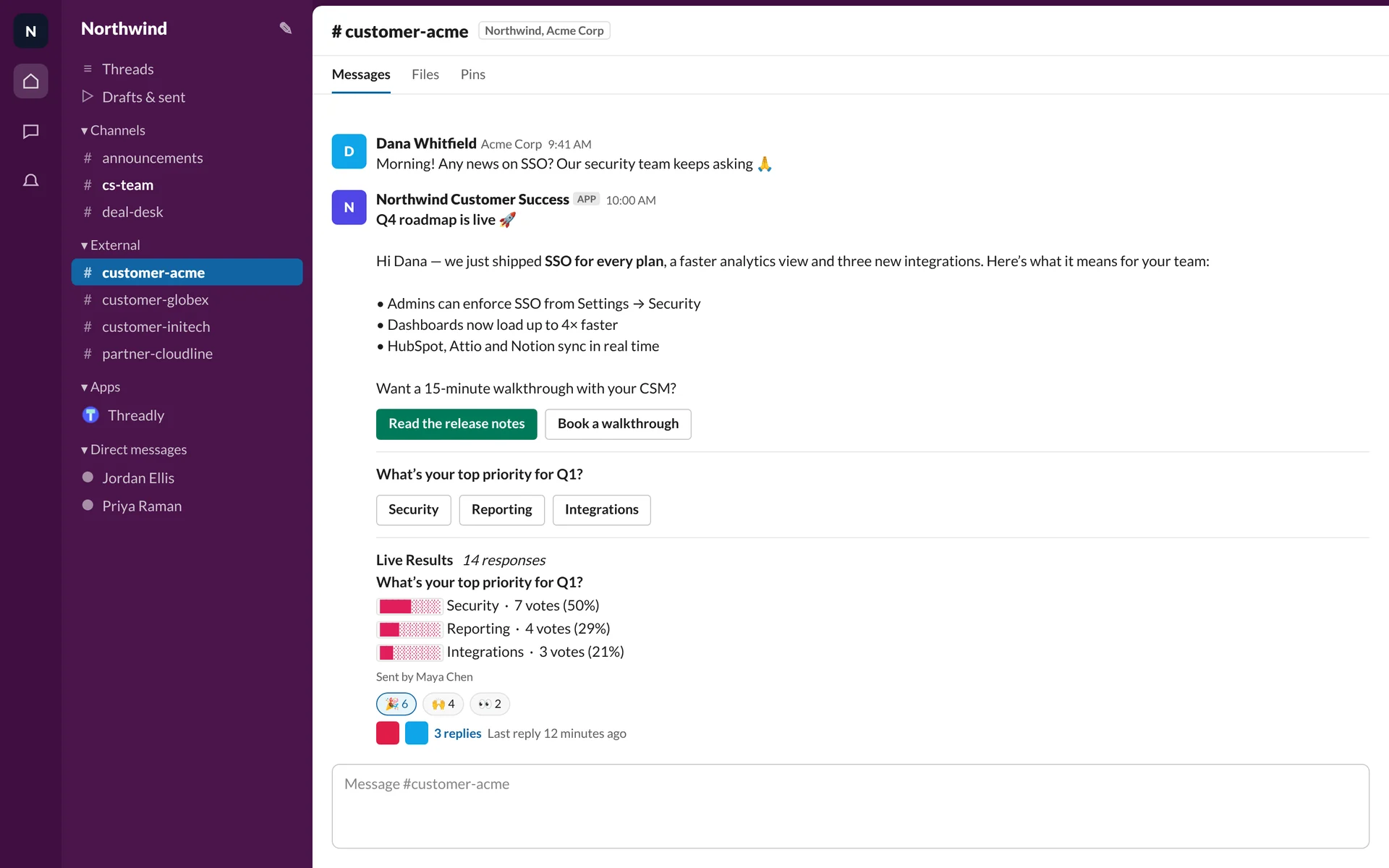
One invite, every customer channel
Send a QBR or walkthrough invite with a Cal.com button to every customer channel at once, whether that’s 5 channels or 500.
See Slack Connect broadcastsNorthwind Customer SuccessAPP
Time for your Q4 review 📅
Let’s look back at the quarter and plan the next one. Grab 45 minutes that suit you.
- customer-acmeAcme Corp · Slack ConnectDelivered
- customer-globexGlobex · Slack ConnectDelivered
- customer-initechInitech · Slack ConnectDelivered
- customer-umbrellaUmbrella · Slack ConnectDelivered
Works for customers and partners too
External guests in Slack Connect channels book from the same button. Use round-robin or collective event types to spread bookings across your team.
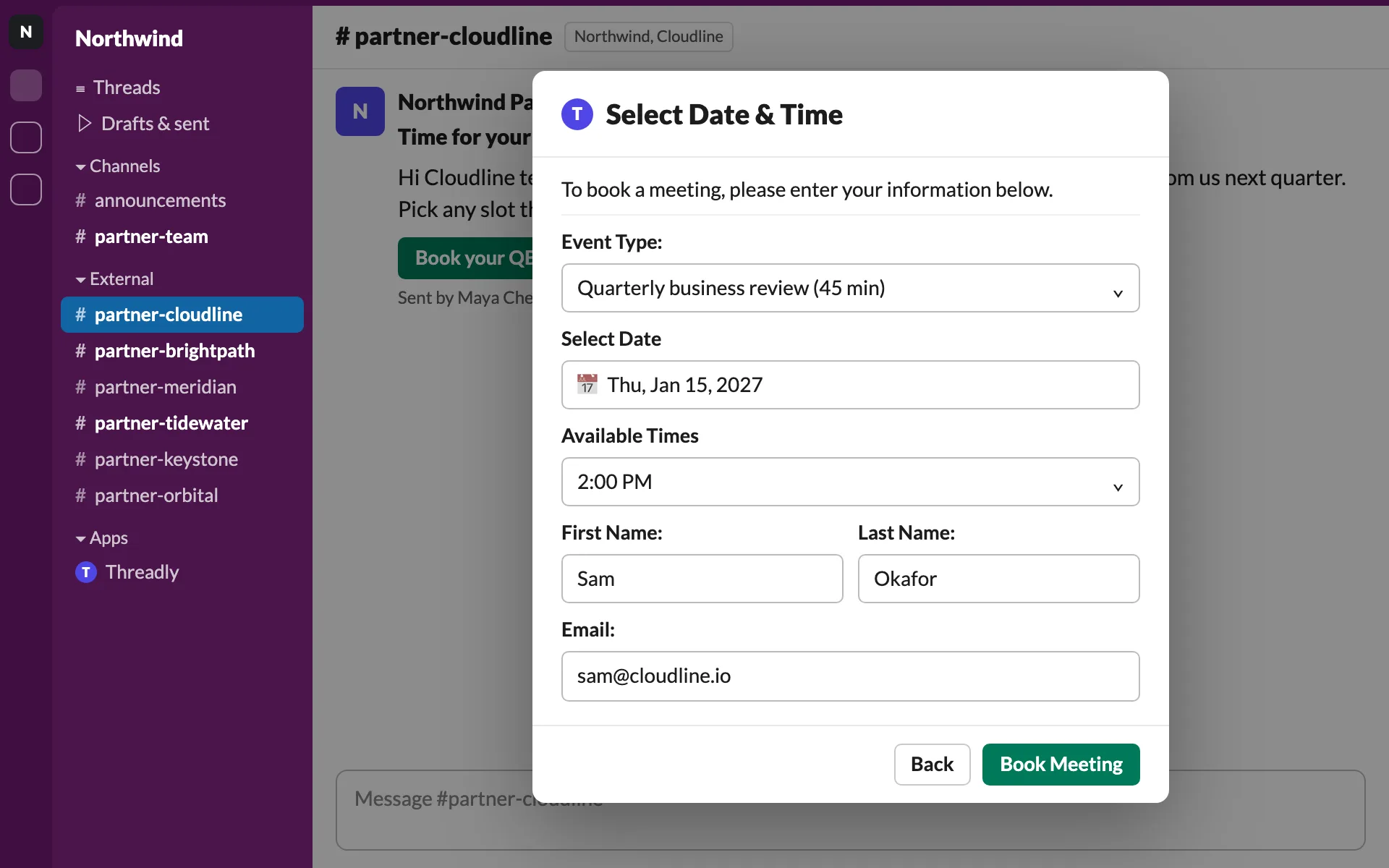
See who booked and who didn’t
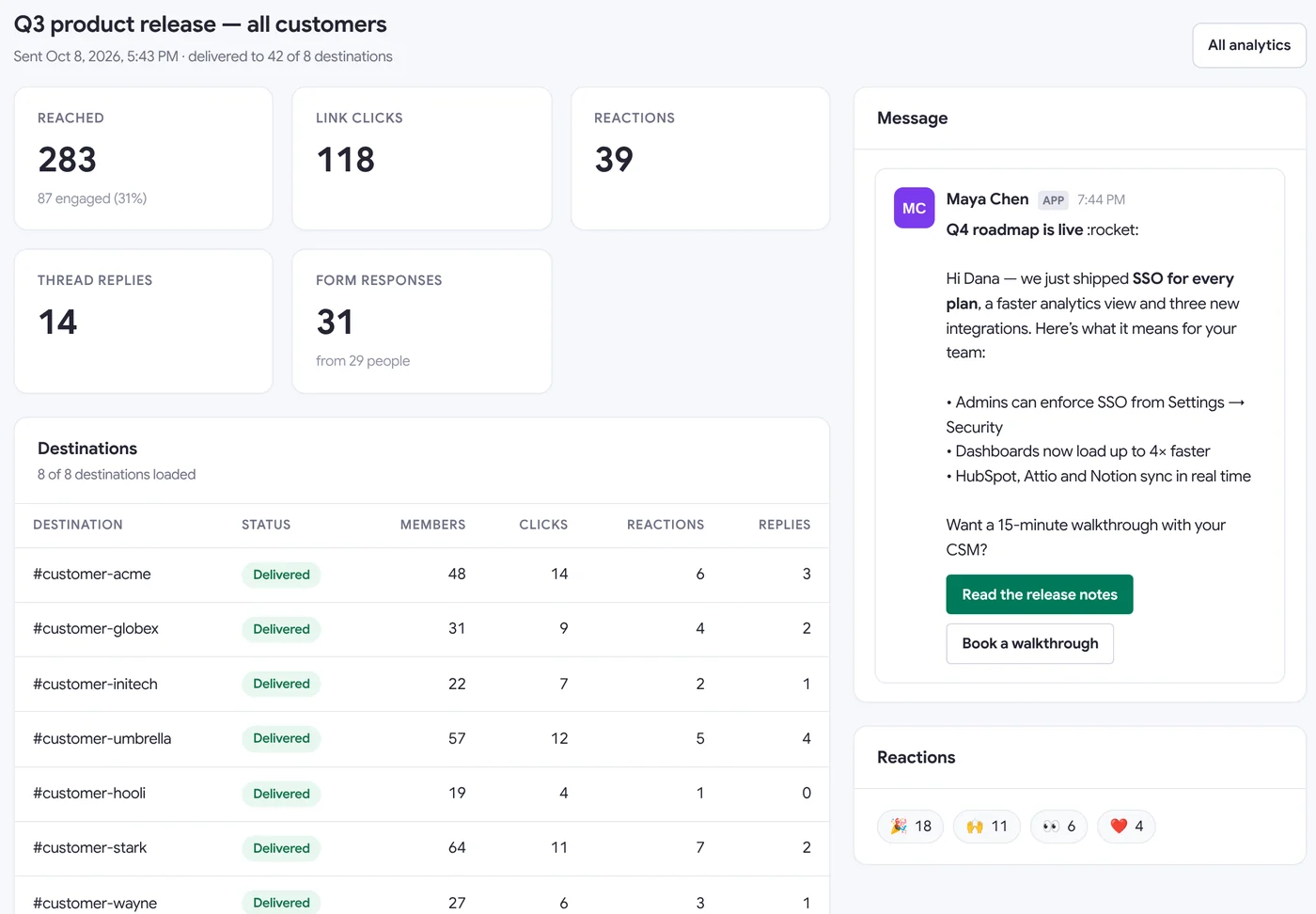
Bookings and clicks show up per channel, so you know which accounts still need a nudge.
What teams book with Cal.com in Slack
- Booking
QBR invites
One invite to every customer channel, with a follow-up for those who don’t book.
- Booking
Partner check-ins
A monthly session with their partner manager, booked from the partner channel.
- Automation
Kickoff calls for new accounts
The welcome message arrives with a button to book the first session.
- Segment
Renewal conversations
Accounts renewing in 30 days get a renewal meeting invite.
- Booking
Round-robin across the team
A team event type spreads bookings across your CSMs.
Frequently asked questions
What does the Threadly Cal.com integration do?
Threadly is an app for Slack. With Cal.com connected, any Slack message can carry a booking button for one of your Cal.com event types. Clicking it opens a time picker in Slack, and the booking lands in your Cal.com calendar.
Does it work in Slack Connect channels?
Yes. Customers and partners in shared channels can book without leaving their own Slack workspace.
Can I send the booking button to many channels at once?
Yes. Pick channels or a segment and Threadly posts the message to each one, then shows which channels clicked or booked.
Can each customer get their own CSM’s booking link?
Yes. Merge fields can insert the right Cal.com link per channel, for example from the HubSpot owner field. Round-robin and collective event types work too.
Let customers book from Slack
Add Threadly to Slack, connect Cal.com and send your first booking invite. Free to start.