Product tour
Everything you need to be heard in Slack.
Compose interactive messages, aim them with CRM segments, automate the follow-up and measure what happened. Every screenshot below is the real Threadly web app.
The Slack app
Where your audience already is.
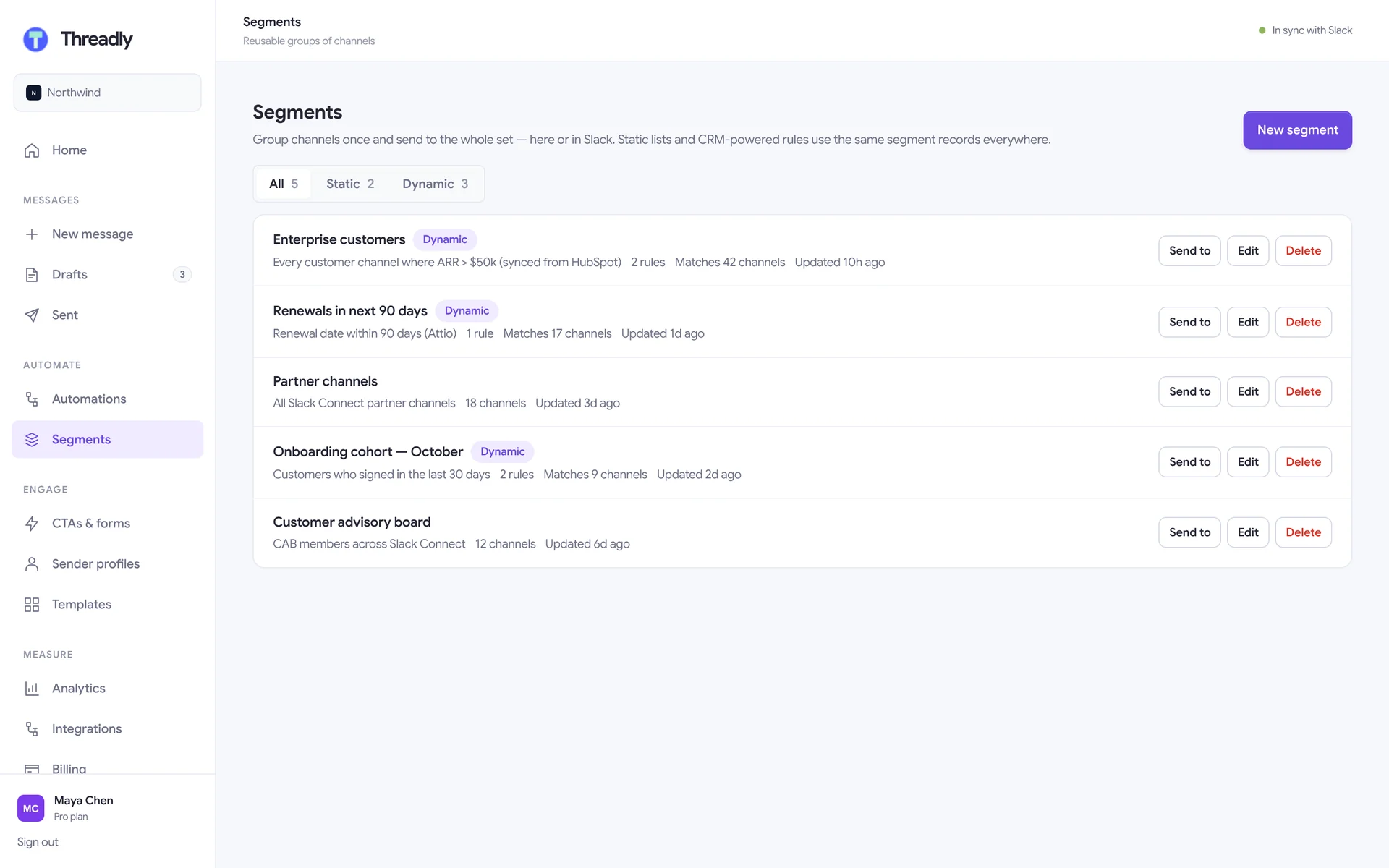
Every Threadly message is a native Slack message. People click buttons, vote in one-click polls, fill in forms and book meetings without leaving the channel — including Slack Connect channels with customers and partners.
- One-click polls with live results in the message
- Booking modals with real Calendly and Cal.com availability
- Works in Slack Connect channels with customers and partners
- App Home for messages, workflows, journeys and segments
Compose
Write once, deliver everywhere.
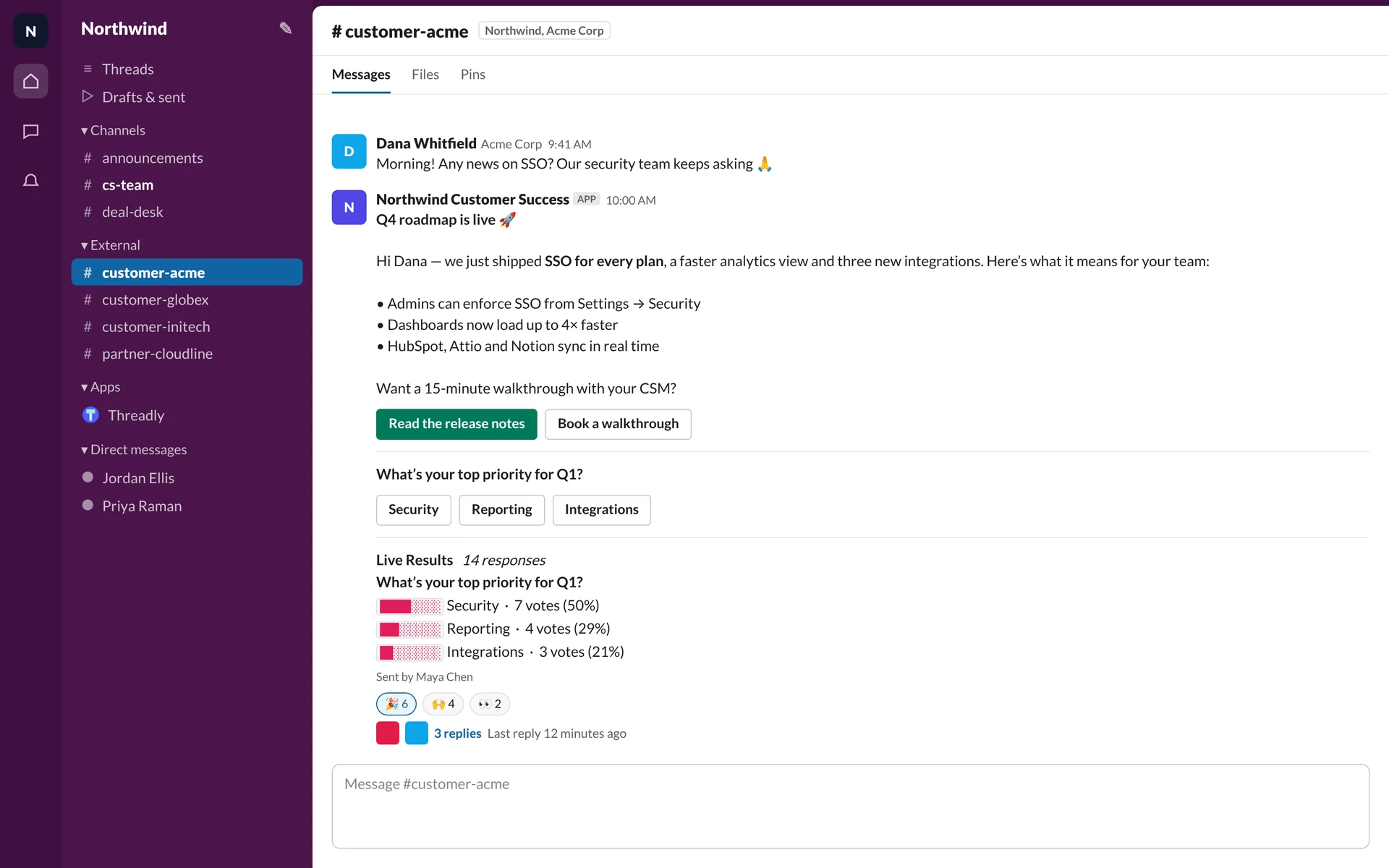
A two-step composer: write the message, then choose where and how it goes. The preview on the right is exactly what people will see in Slack, and every keystroke autosaves to a draft you can finish in Slack or on the web.
- Slack formatting toolbar and {{first_name}} personalization
- Start from a saved template
- Channels, a segment, or direct messages
- Send now, schedule, or send a test to yourself first
CTAs & forms
Buttons, forms and bookings inside the message.
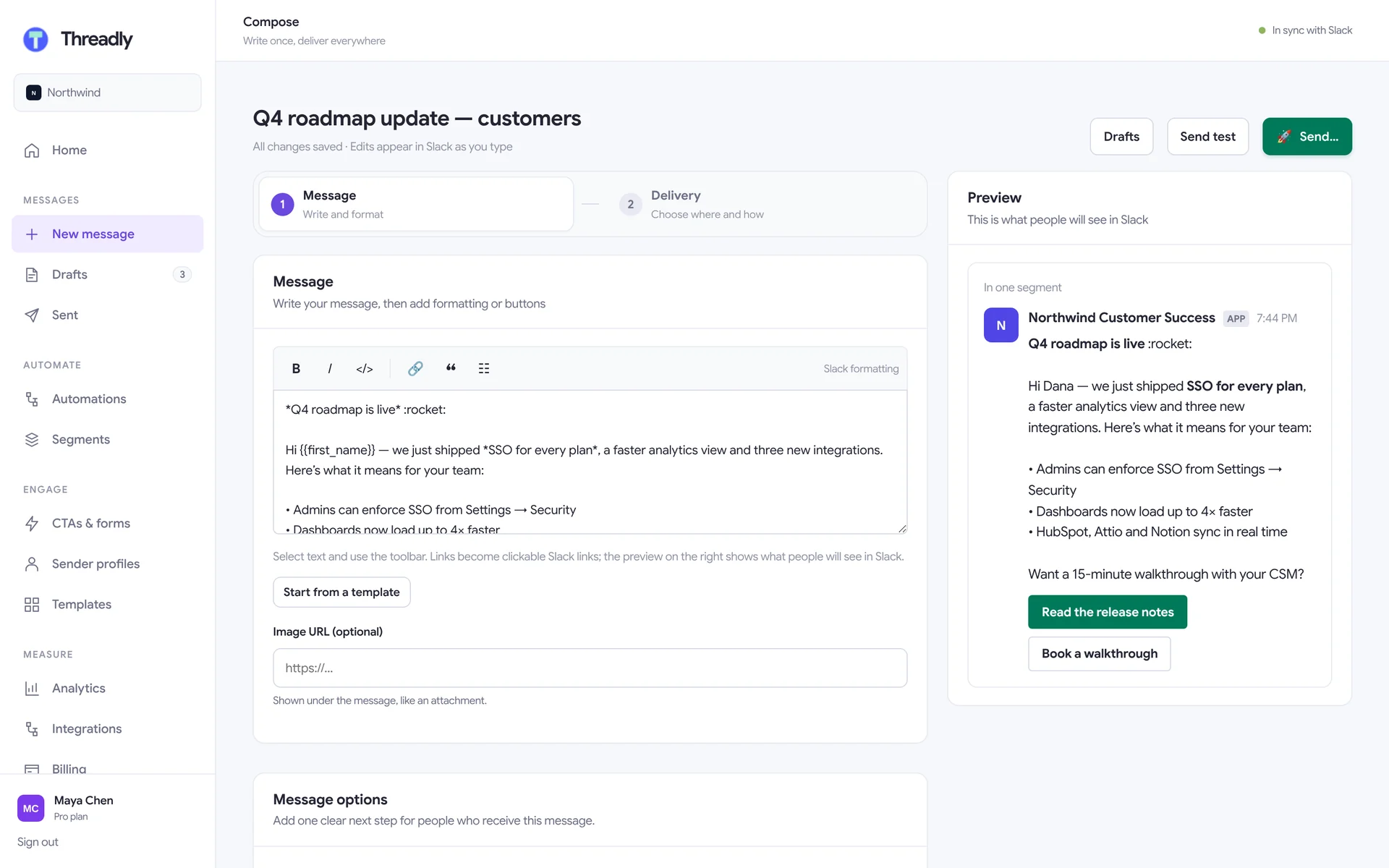
Build a library of calls to action once, then attach them to any message. Link buttons track clicks per person, forms open as native Slack modals, and booking buttons let people grab a time without leaving Slack.
- Link buttons, calendar bookings, forms and webhook actions
- Import an existing Typeform as a Slack form
- Calendly, Cal.com, SavvyCal and HubSpot meetings
- Journey starters: a button that kicks off a journey
Segments
Channel groups that keep themselves current.
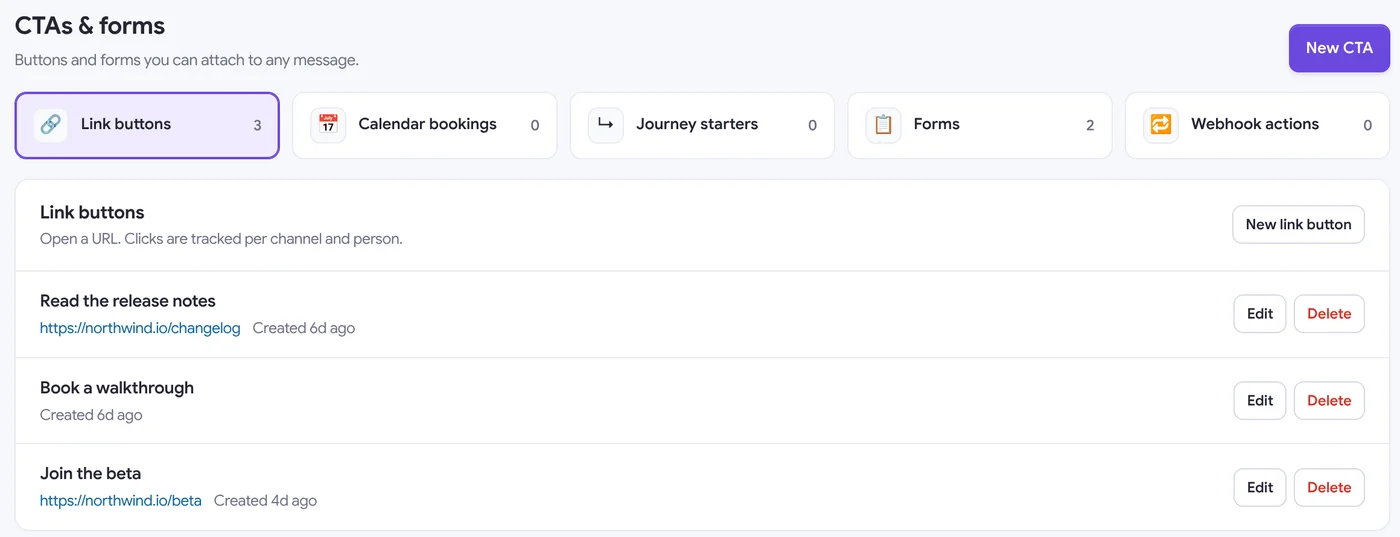
Save a set of channels once and send to all of them. Dynamic segments use rules on your CRM data — so “enterprise customers renewing this quarter” is always the right list, even as deals move.
- Static or dynamic, with a live preview of matches
- Rules on HubSpot, Attio and Clay data
- Slack Connect customer and partner channels
- Departed channels drop out automatically
Automations
Workflows and journeys, in one list.
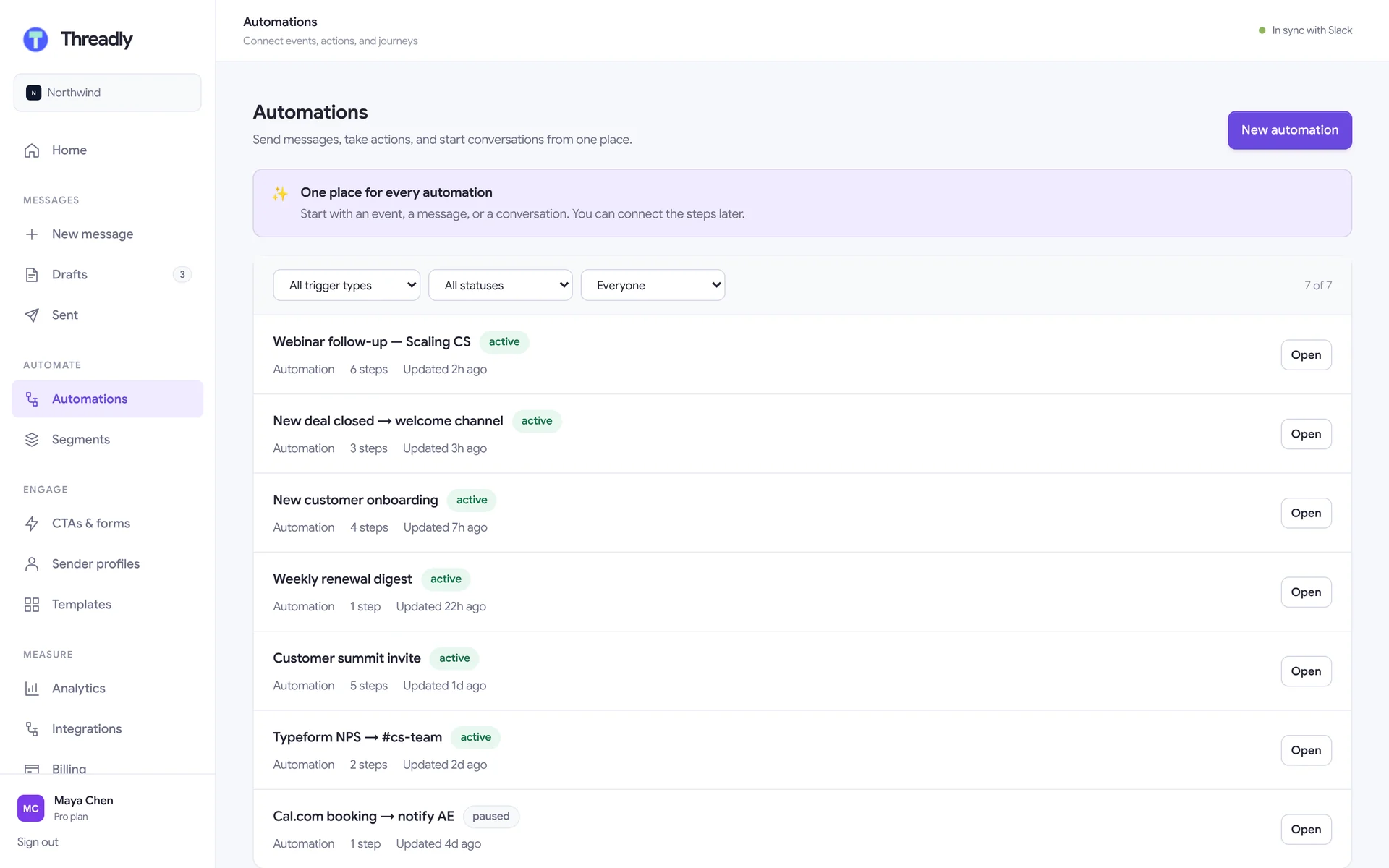
Automations run on a trigger or when you start them. A workflow posts the welcome message when a deal closes; a journey asks the new customer how setup is going and routes the answer.
- Triggers: HubSpot, Typeform, Cal.com, Zapier, webhooks, schedules
- Run only on the days you choose
- Pause, clone and filter by owner
- Edit permissions per workflow
Analytics
See what landed, channel by channel.
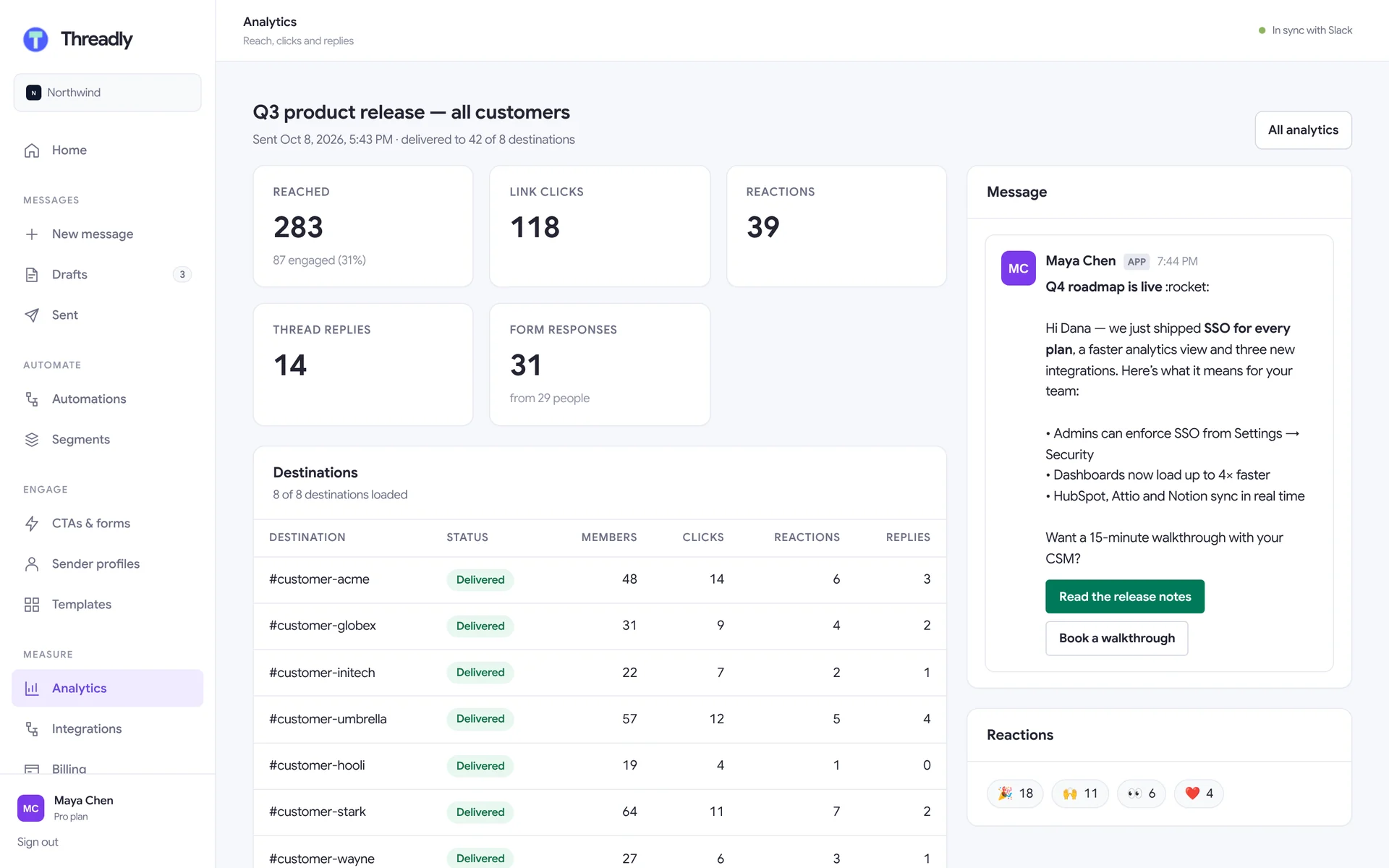
Each broadcast gets a full report: who it reached, link clicks, reactions, thread replies and form responses — plus the most engaged channels and when activity peaked.
- Delivery status for every destination
- Form answers charted by option
- Engagement by channel and by person
- Weekly message reports in Slack
Templates
Your best messages, ready to reuse.
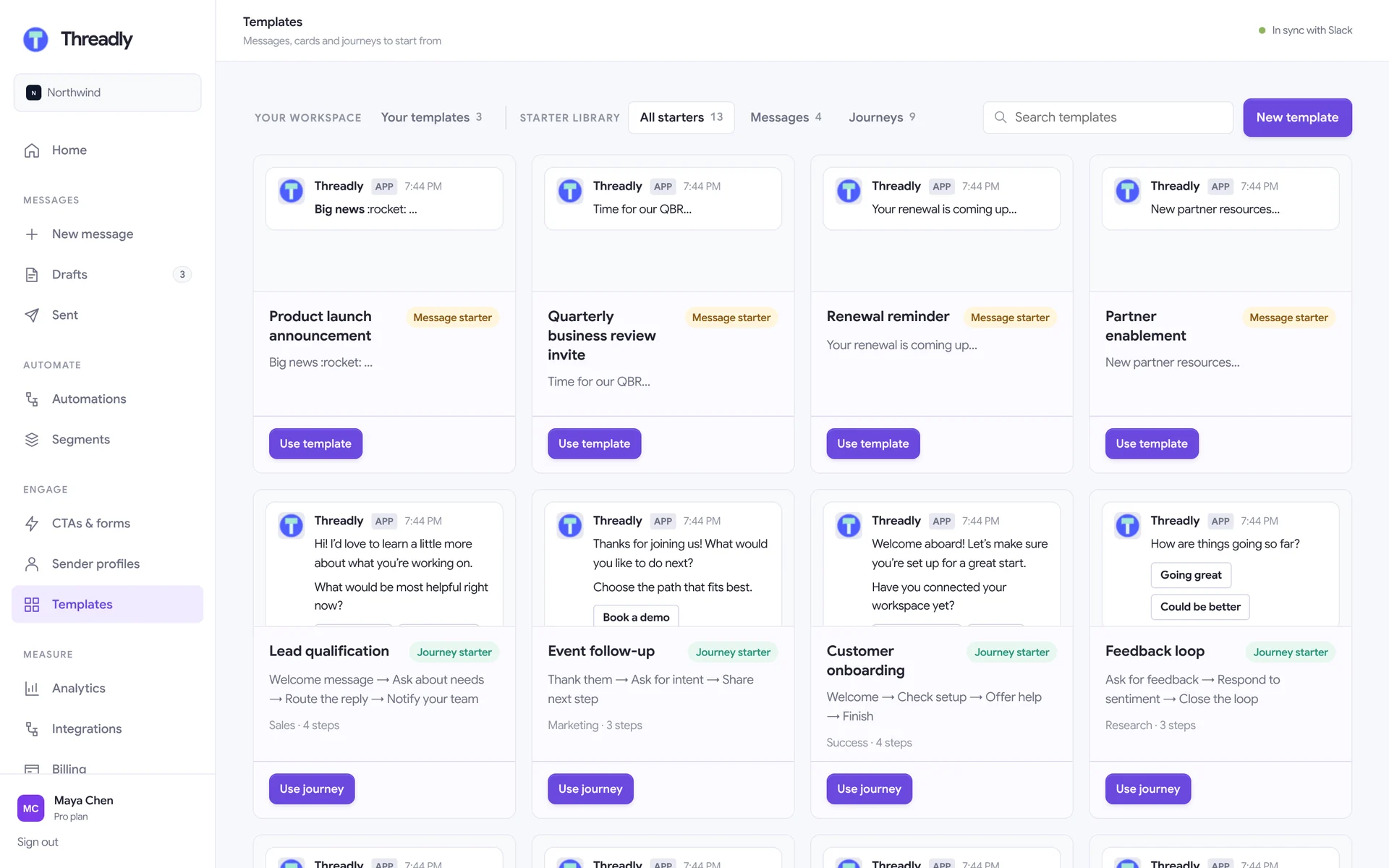
Save any message as a template for yourself or the whole team, or start from the starter library of message and journey templates.
- Team-wide or private templates
- Message starters and journey starters
- Buttons and forms come along with the template
Integrations
Connected to the tools you already run on.
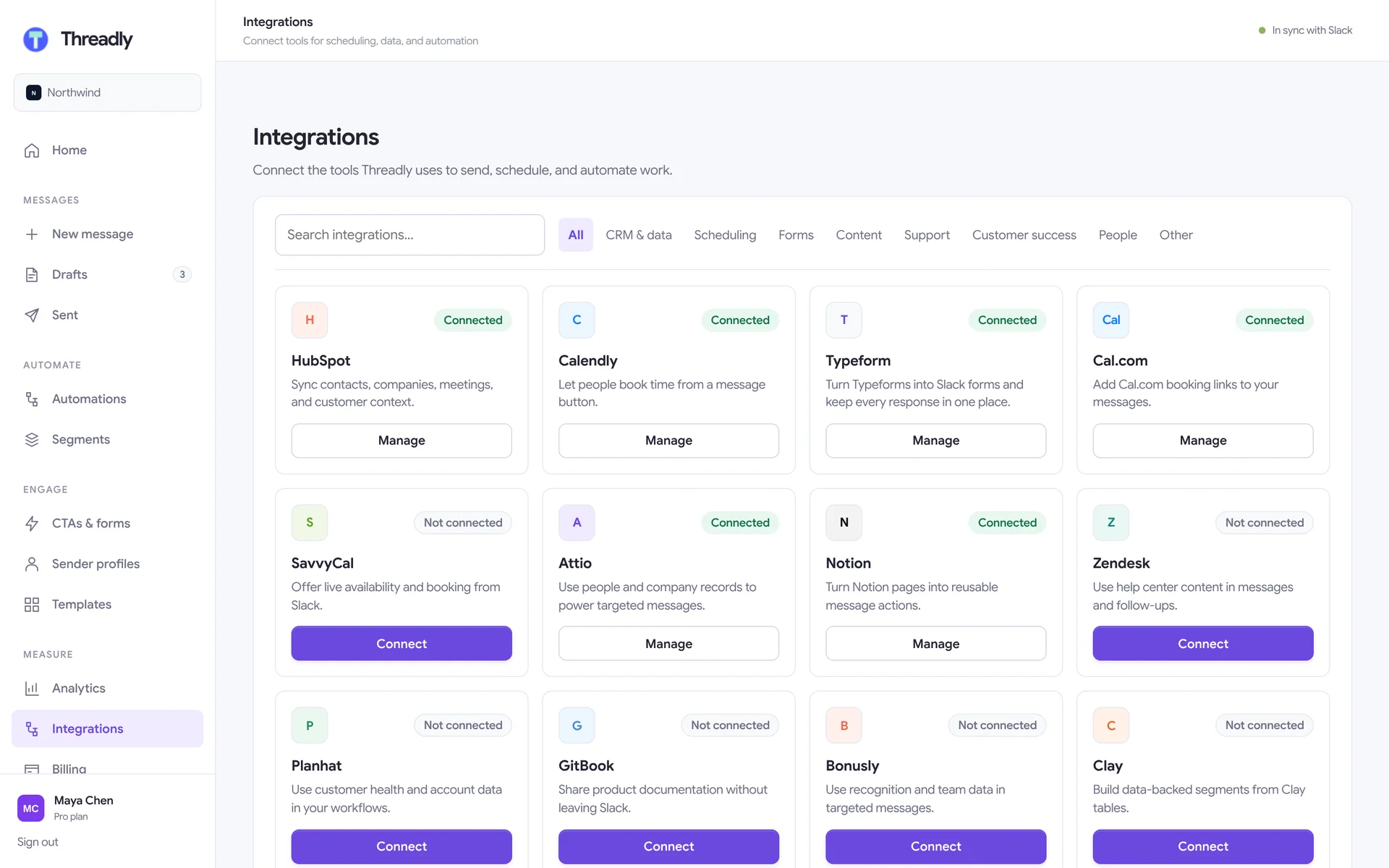
Bring CRM data into segments, booking links into messages, and responses back out to the systems your team works in.
- CRM & data: HubSpot, Attio, Clay, Planhat
- Scheduling: Calendly, Cal.com, SavvyCal
- Forms & content: Typeform, Notion, GitBook, Zendesk
- Automation: Zapier and webhooks
Work where you are
Slack-first. Browser when you need it.
Shortcuts & App Home
Start a broadcast, attach a form or calendar, and send from Threadly’s shortcut or its Home tab in Slack.
The web app
More room for long messages, journeys, segments and reports at app.trythreadly.com.
Always in sync
Drafts, segments and automations are shared — edit in one place, see it in the other.
Send a message people actually answer.
Install Threadly, attach a button or a form, and send it to the right channels in under a minute. Free to start.
No credit card required · Set up in minutes