 Luma integration
RSVP to Luma events without leaving Slack
Add an RSVP button to any Slack message. Colleagues and Slack Connect partners register for free Luma events in Slack. Paid tickets still check out on Luma. You see who is going, by channel.
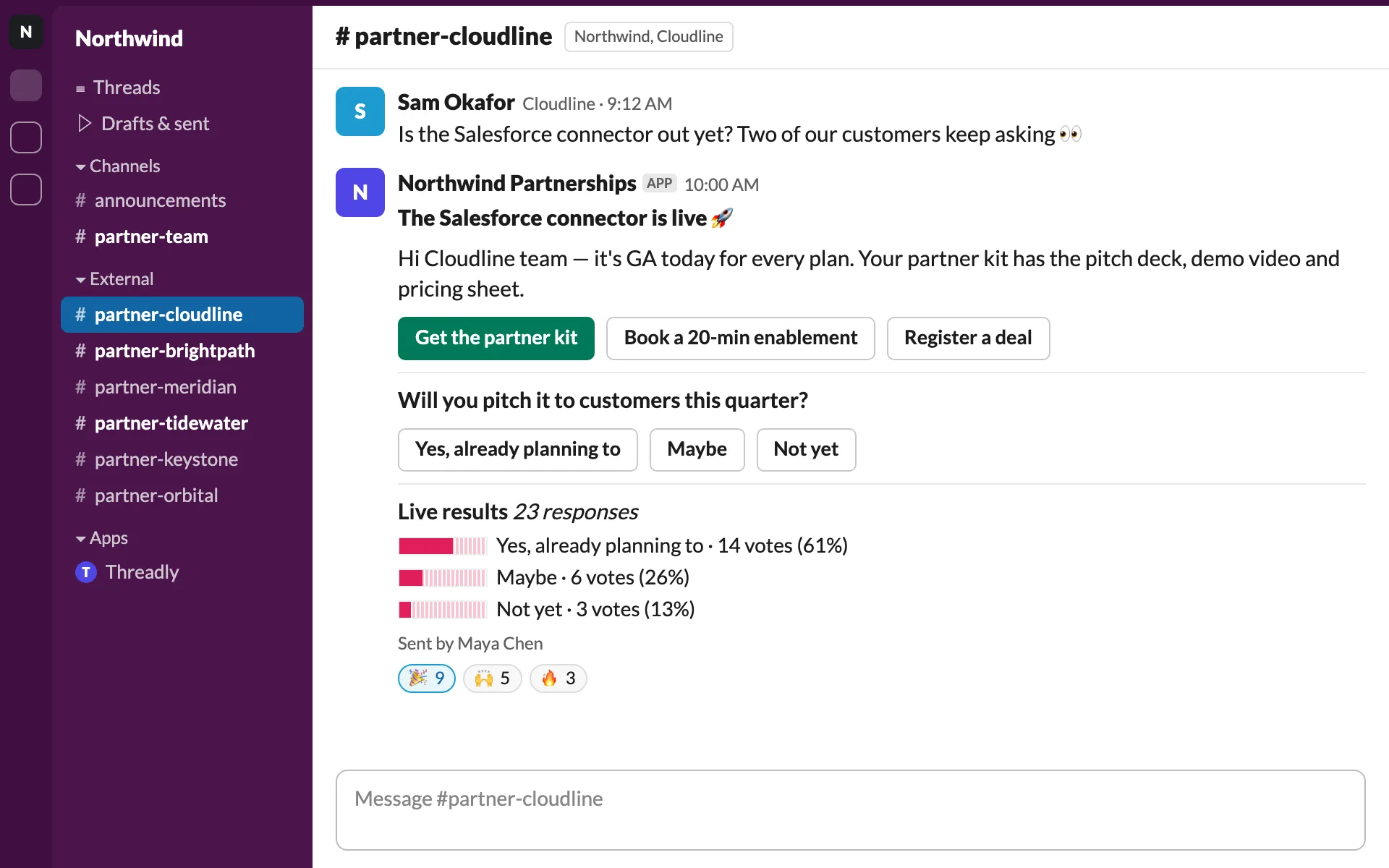
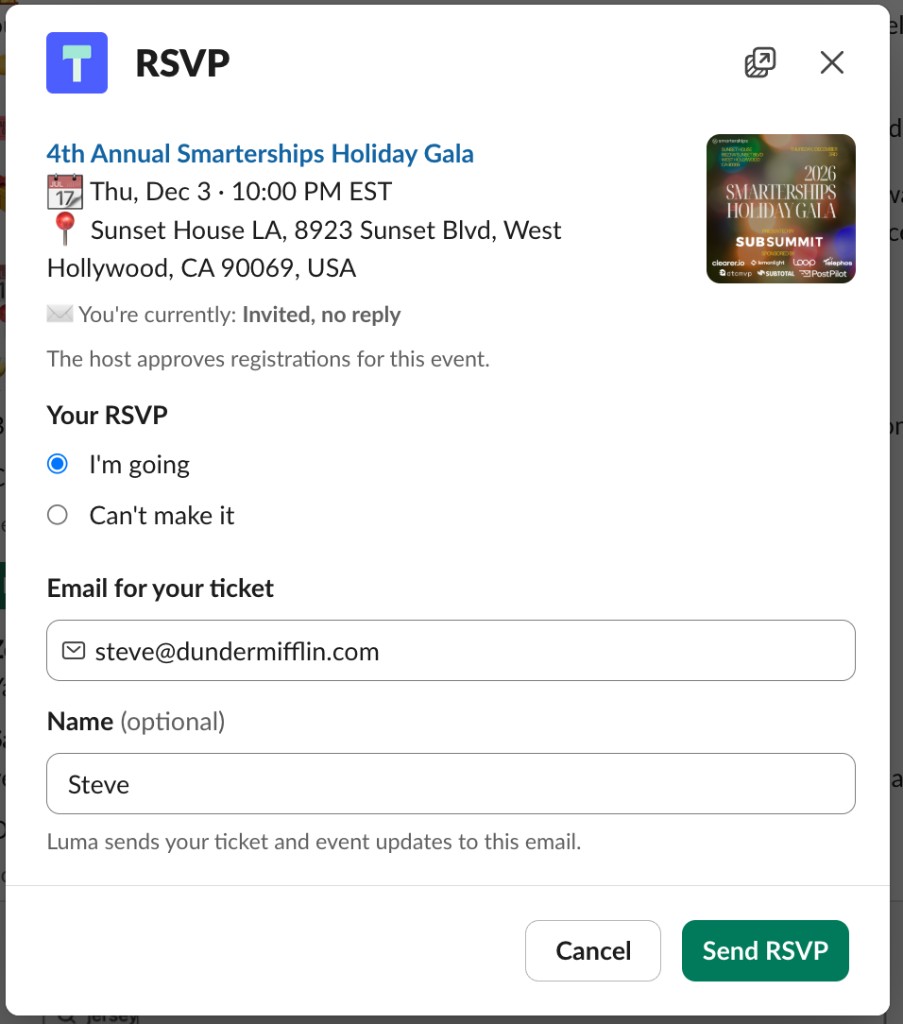
RSVP from the Slack message
Share a Luma event with an RSVP button. For free events, guests pick I’m going or Can’t make it in a Slack modal, add the email for their ticket, and Threadly sends the RSVP to Luma. Paid registrations open Luma’s checkout.
One event, every channel that needs it
Send the invite to team channels, DMs, or Slack Connect channels with customers and partners. Each destination gets its own copy of the message and the same Luma RSVP button.
See Slack Connect broadcastsNorthwind PartnershipsAPP
You’re invited: Holiday Gala 🎄
Thursday, Dec 3 at Sunset House LA. RSVP so we know who’s coming.
- partner-cloudlineCloudline · Slack ConnectDelivered
- partner-brightpathBrightpath · Slack ConnectDelivered
- all-handsInternalDelivered
- customer-acmeAcme Corp · Slack ConnectDelivered
See who is going, by channel
Track which colleagues and Slack Connect partners RSVP’d. Attendance is reported per channel, and Threadly can notify you in Slack as guests register.
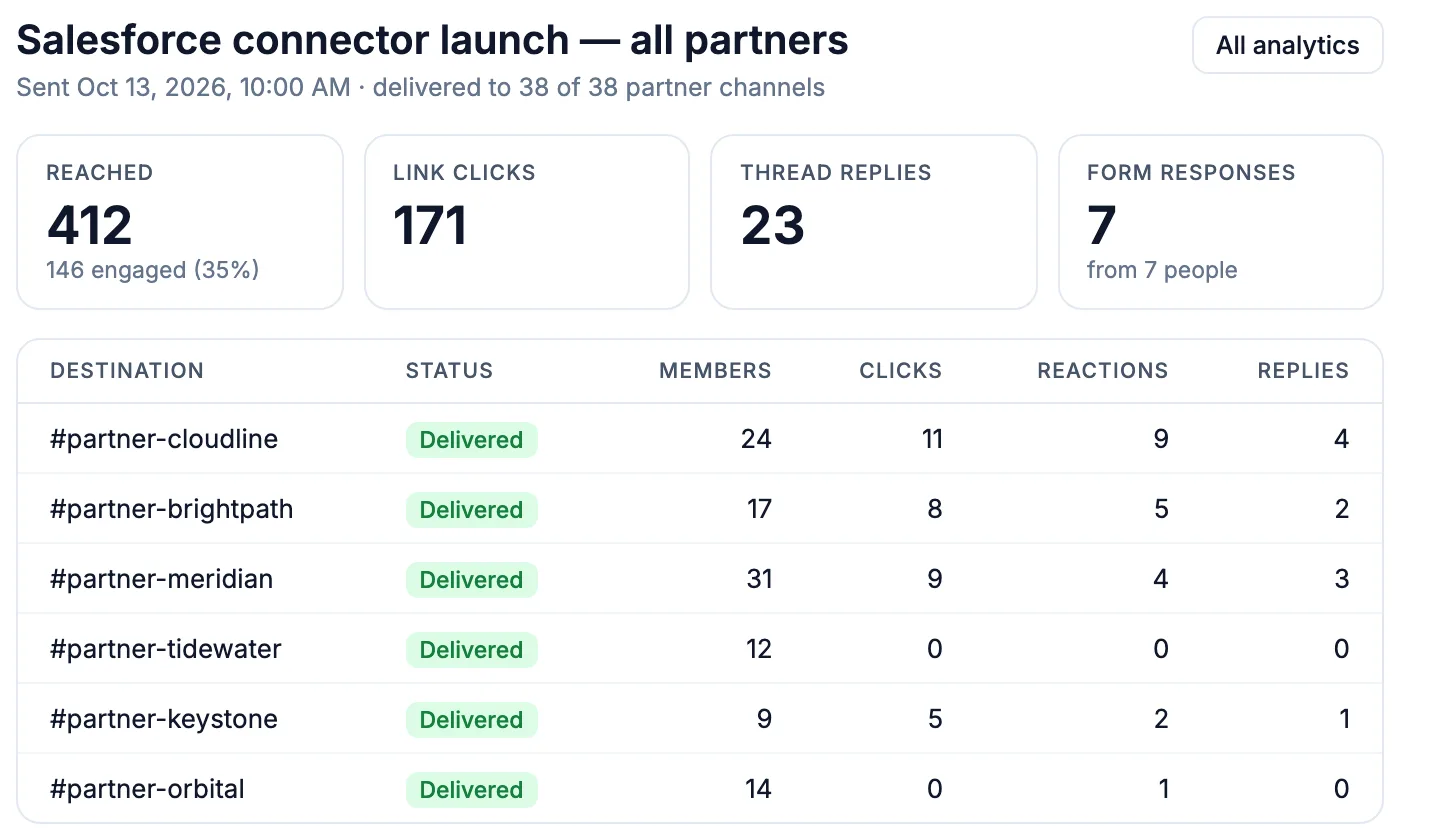
What teams share from Luma
- Broadcast
Company events
All-hands, offsites and holiday parties, with RSVPs from #all-hands instead of a buried Luma link.
- Broadcast
Partner dinners
One invite across Slack Connect partner channels. See which partners are coming.
- Booking
Customer field events
Send the Luma page to every customer channel and follow up with the quiet ones.
- Broadcast
Paid workshops
The RSVP button still lives on the Slack message; paid tickets finish on Luma checkout.
Frequently asked questions
What does the Threadly Luma integration do?
Threadly is an app for Slack. With Luma connected, you can share Luma events in Slack, add RSVP buttons to messages, and see which colleagues or Slack Connect partners are attending. A Luma Plus plan is required.
Can guests RSVP to a Luma event from Slack?
Yes, for free events. The RSVP modal in Slack collects going / can’t make it, an email for the ticket, and an optional name, then Luma sends the ticket to that email. Paid registrations continue through Luma’s checkout.
Does it work in Slack Connect channels?
Yes. Customers and partners in shared channels can RSVP from the same button, and you can see attendance by channel.
Can I tell which channels have people attending?
Yes. Threadly reports attendance by channel and can send Slack notifications as guests register.
Which Luma plan do I need?
A Luma Plus plan is required for this integration.
Put the next Luma invite in Slack
Add Threadly to Slack, connect Luma (Plus required) and send your first RSVP button.