 Notion integration
Sharing Notion docs one Slack channel at a time?
Send the playbook, onboarding checklist or release notes to every channel at once, as a button you can track.
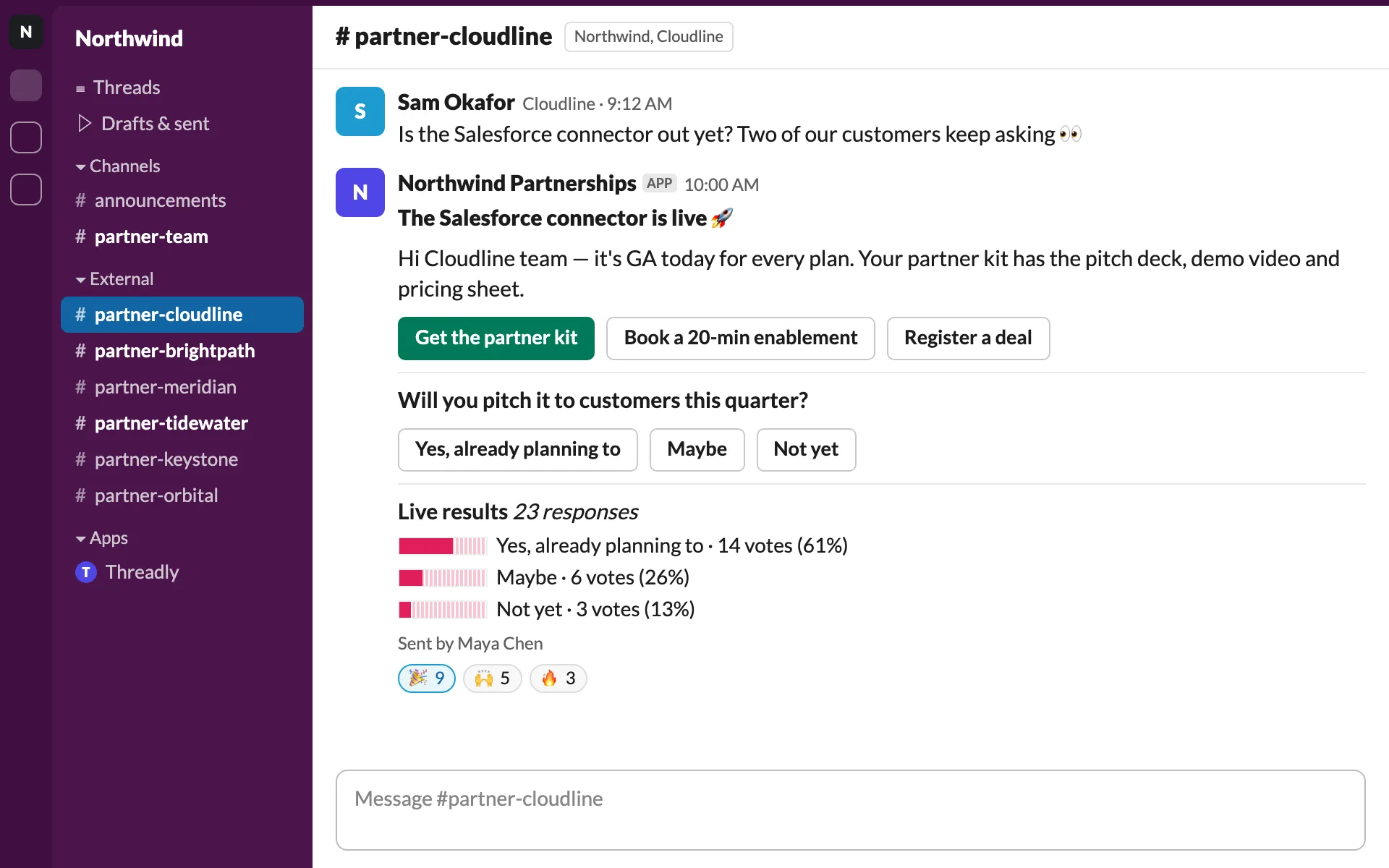
Know who actually opened it
Clicks on the Notion button are tracked per channel and per person, so you can follow up with the ones who didn’t.
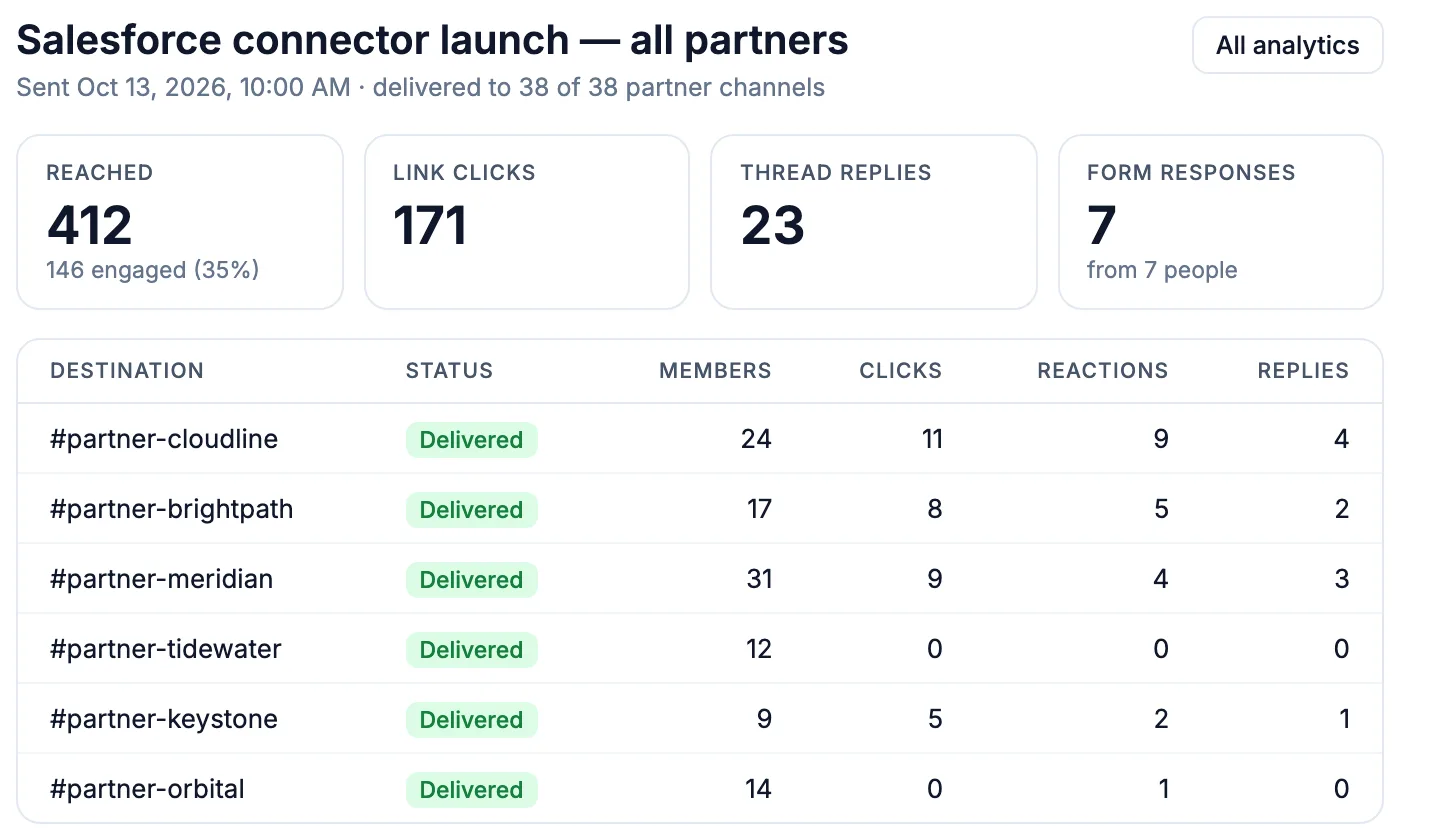
Form answers into a Notion database
Collect feedback with a Threadly form in Slack, then send each response to a Notion database with Zapier.
See Slack surveys and forms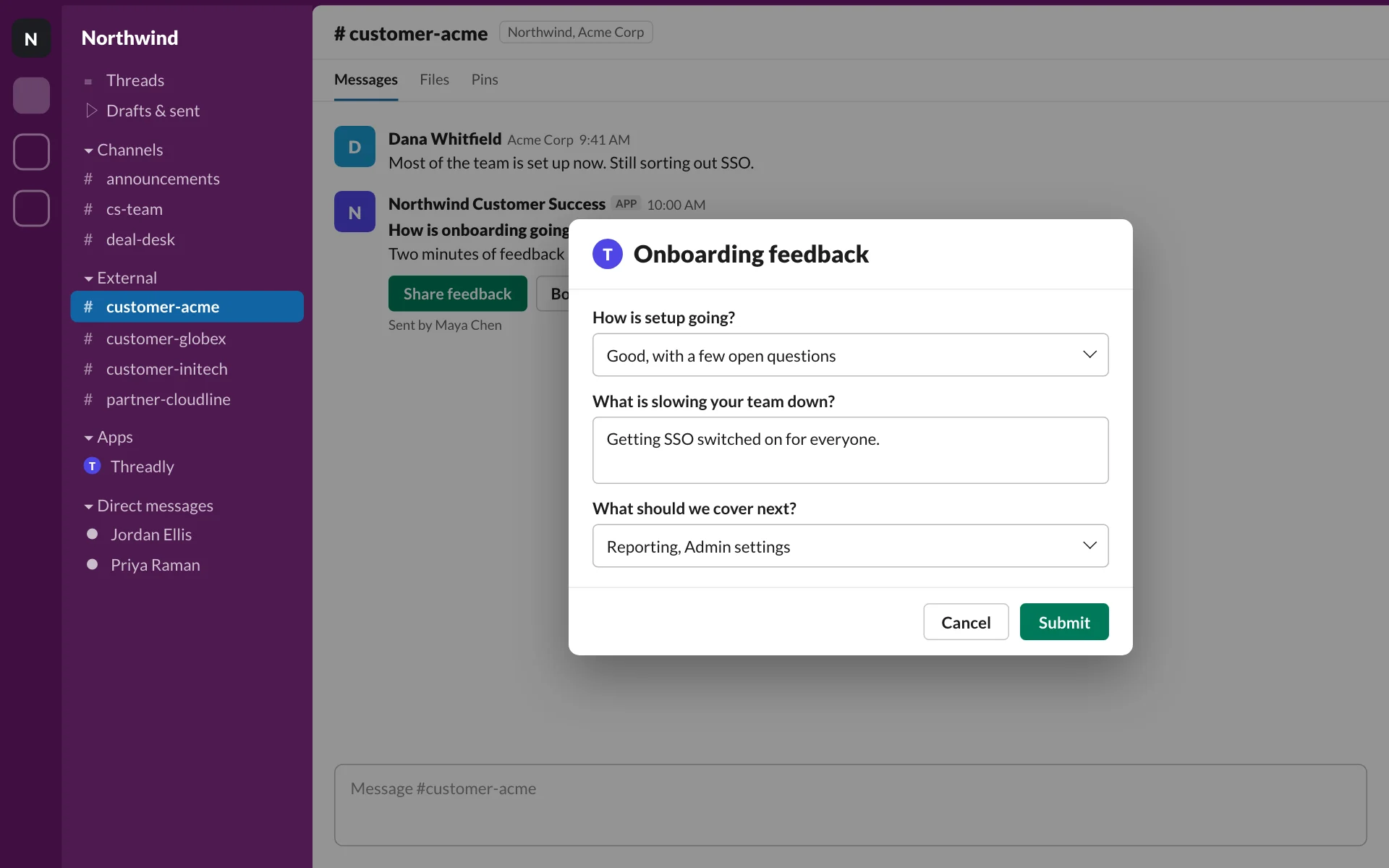
What teams share from Notion
- Broadcast
Partner enablement docs
A new playbook to every partner channel, with clicks tracked.
- Automation
Onboarding checklists
Each new customer gets their Notion checklist in their channel.
- Broadcast
Policy and wiki updates
Send the updated page to the teams it affects and see who opened it.
- Form
Feedback into Notion
NPS or CSAT answers from Slack, collected in a Notion database.
Frequently asked questions
What does the Threadly Notion integration do?
Threadly is an app for Slack. You can attach Notion pages to Slack messages as trackable buttons, send them to many channels at once, and push Threadly form responses into Notion databases with Zapier.
Can I send a Notion doc to many Slack channels at once?
Yes. Write the message once, attach the Notion link as a button, and send it to the channels or segment you choose.
Can a Notion change trigger a Slack message?
Yes, with Zapier. When a Notion database entry changes, Zapier can trigger a Threadly message to the right channel.
Can form responses go into Notion?
Yes, with Zapier. Each response to a Threadly form can be added to a Notion database.
Share your next Notion doc everywhere at once
Add Threadly to Slack and send your first doc with a tracked button. Free to start.