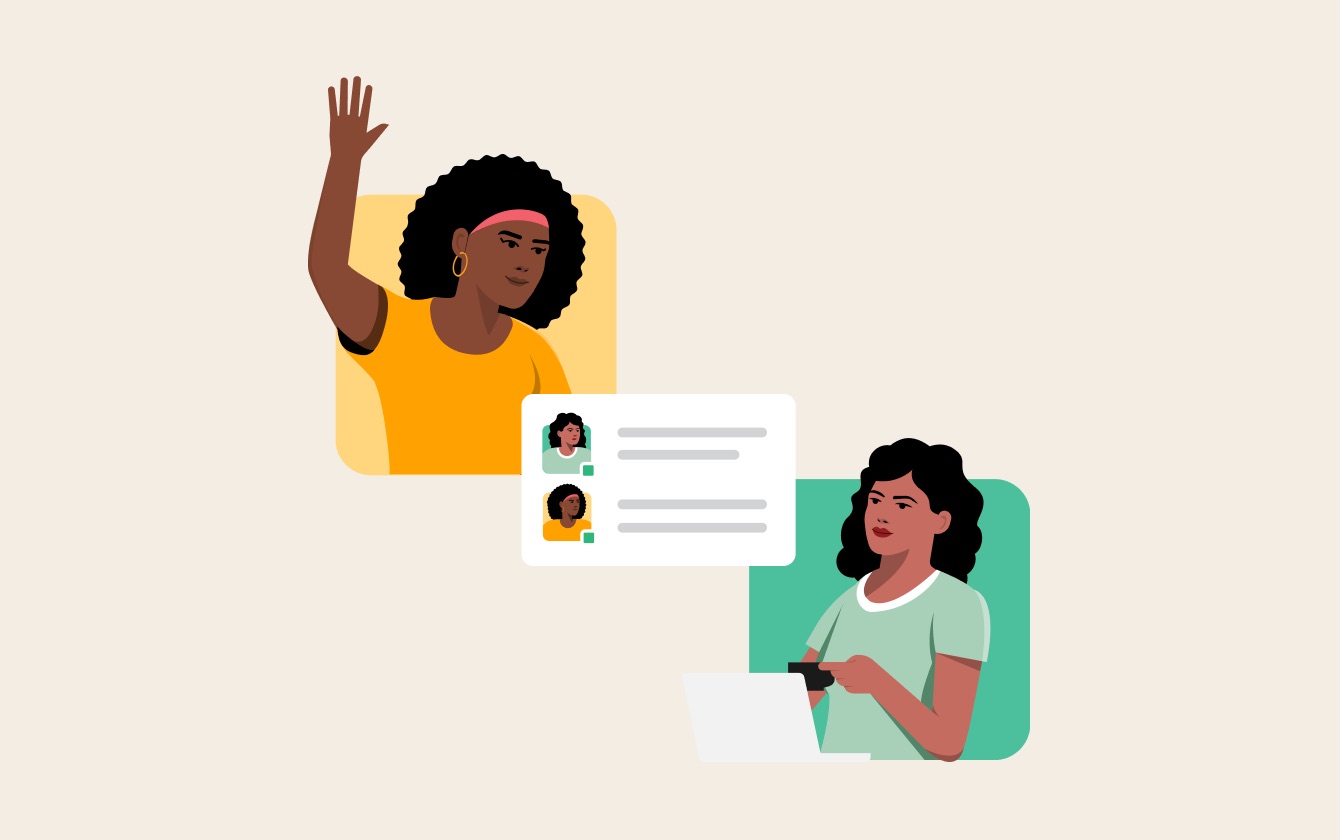
Threadly already connects to HubSpot for CRM-powered channel segmentation. That same integration also lets you embed a HubSpot Meetings booking link as a button inside any Slack message, so bookings that used to require a redirect happen right in the channel instead.
Your CRM's Calendar, Embedded in Slack
If your team already schedules meetings with HubSpot Meetings, you don't need a second scheduling tool bolted onto Slack — just your existing booking pages showing up where the conversation already is. When a prospect or customer clicks the button, they book directly: no redirect to a separate scheduling app, no second login, no extra tool for your team to manage.
Because the meeting link is powered by HubSpot Meetings, everything you've already configured there — your calendar connection, buffer times, availability windows, and confirmation emails — carries over automatically. Threadly doesn't replace any of that; it just gives it a home inside Slack.
How It Works
- Connect HubSpot Meetings. Link your HubSpot account and choose which meeting link to attach — a rep's personal link, a round-robin team link, or a specific meeting type.
- Add a booking button to any broadcast. Drop it into a renewal reminder, an onboarding welcome message, or a sales follow-up — and send it to one channel or an entire CRM-powered segment.
- The booking syncs back to HubSpot automatically. Once someone books, the meeting shows up on the contact or deal record in HubSpot — no manual logging.
- Personalize per channel. Use merge fields to insert the right owner's HubSpot Meetings link based on the HubSpot owner property for each account's channel.
Ways Teams Use This
Because it's tied to the same HubSpot data that powers your Dynamic Segments, a HubSpot Meetings button in Threadly can be as targeted as your CRM:
- Renewal conversations: Segment channels by renewal date in HubSpot, then broadcast a "let's talk renewal" message with each account's CSM meeting link attached.
- Pipeline follow-ups: Send a "book time with your rep" button to every open-deal channel that's gone quiet for 14 days.
- Onboarding kickoffs: Trigger a welcome workflow for new customers with a link to book their kickoff call, using the assigned CSM's personal HubSpot Meetings page.
- Expansion outreach: Alert account owners when a deal hits an expansion threshold, and let the customer book a call directly from that same message.
Every booking, click, and no-response is visible in Threadly's analytics — and every booked meeting is logged back on the HubSpot record automatically, so nobody has to remember to update the deal after the call is on the books.
Common Questions
Which HubSpot plan do I need?
HubSpot Meetings booking works with HubSpot Starter and above. If you also want HubSpot workflows to trigger Threadly broadcasts automatically — for example, firing a booking message the moment a deal hits a certain stage — that requires HubSpot Professional or higher, since workflows are a Pro-tier HubSpot feature.
Does the booking show up on the deal or the contact record?
Both, depending on how your HubSpot Meetings link is configured. If the link is tied to a specific deal or contact context, the meeting logs there; otherwise it logs to the contact record and associates with any open deals.
Can different reps use their own links in the same broadcast?
Yes, using merge fields. Threadly pulls the HubSpot owner property for each channel's associated record and swaps in that owner's personal HubSpot Meetings link automatically.
How to Set It Up
Visit our HubSpot integration page to see it in action, or connect your account from your Threadly dashboard to attach a booking link to your next broadcast. HubSpot Meetings booking is available now as part of Threadly's HubSpot integration on the Pro plan.
Questions? We're standing by at support@trythreadly.com.